Two minutes to a Nostr signer
so you can sign, verify, and actually use PowForge

PowForge's tools ask you to sign events — short cryptographic signatures under your own key. Signing is how you prove you were somewhere, you did something, or you agree with something, without ever handing over a password. It takes two minutes to get set up. Pick the path that fits your browser habits.
Path 1 — Alby (Chrome extension)
Best if you already use Chrome and might eventually want to send or receive Bitcoin Lightning payments too.
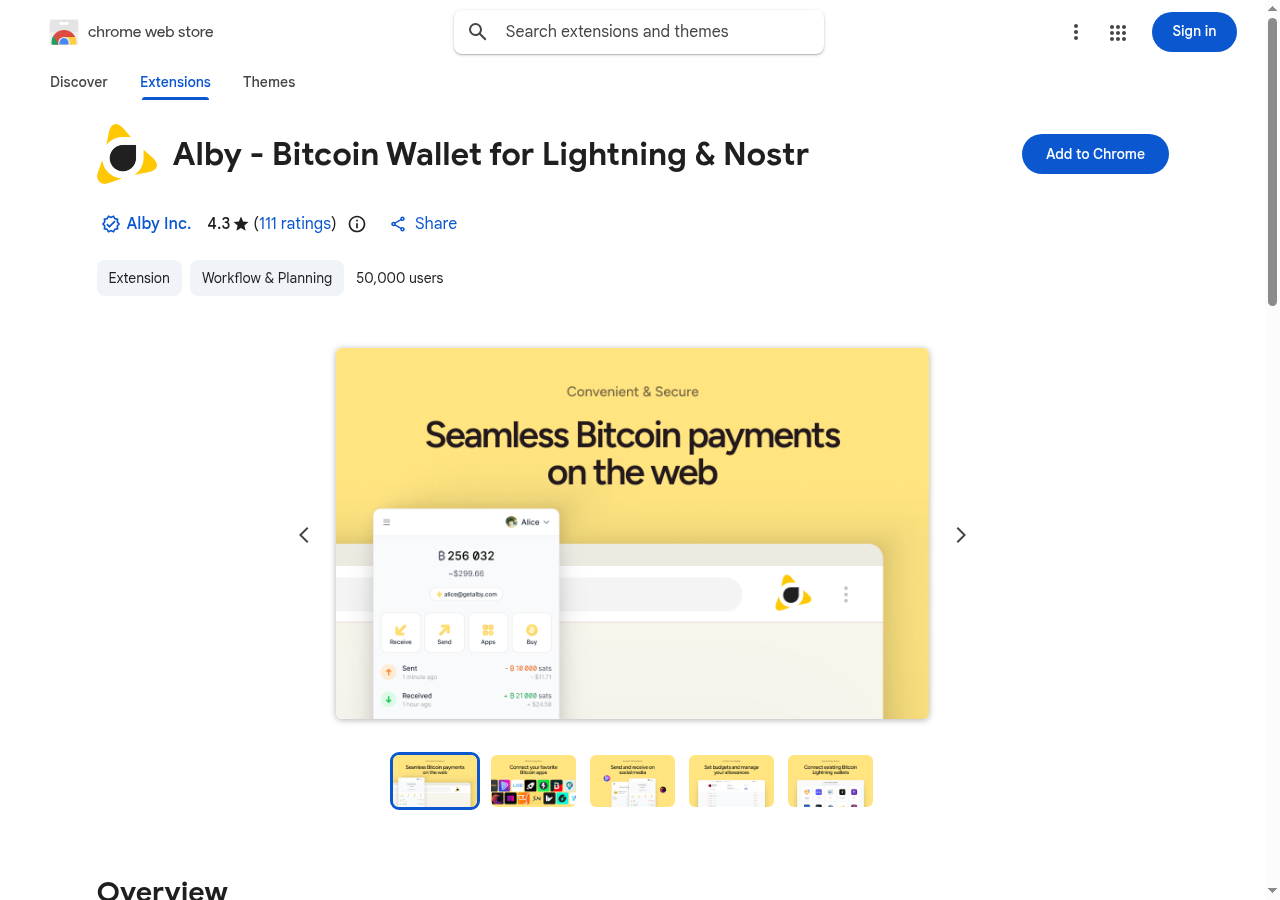
- Install Alby - Bitcoin Wallet for Lightning & Nostr from the Chrome Web Store.
- Pin the Alby icon, click it, and follow the setup. Alby generates a Nostr keypair for you and acts as a NIP-07 signer via
window.nostr. - Write down any recovery phrase it shows you. Losing it means losing the identity. There is no recovery path.
- Done. Any PowForge page that asks you to sign now talks to Alby directly.
Path 2 — nsec.app (web signer, no install)
Best if you're on mobile, don't want a browser extension, or want your key usable from any device you log into.
- Open
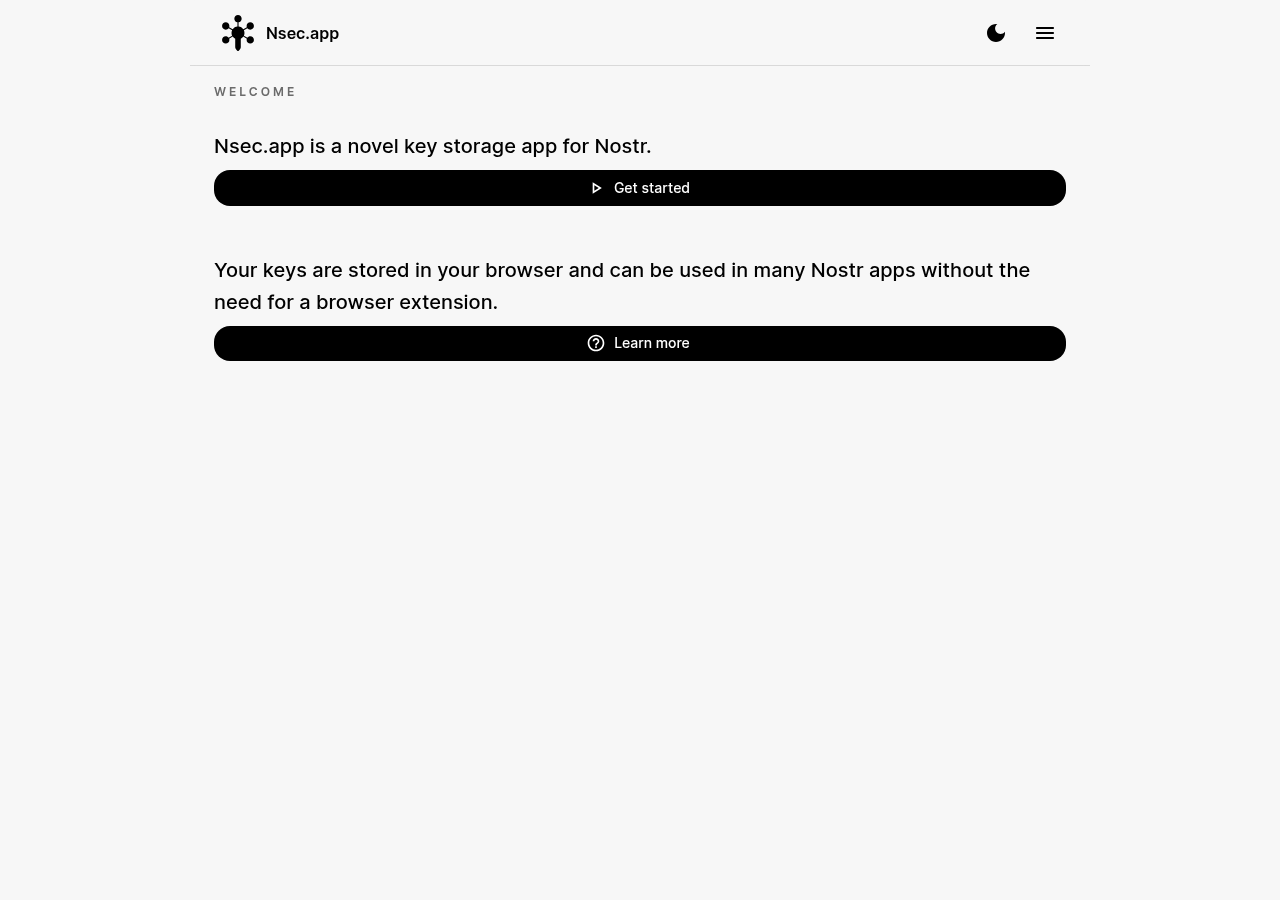
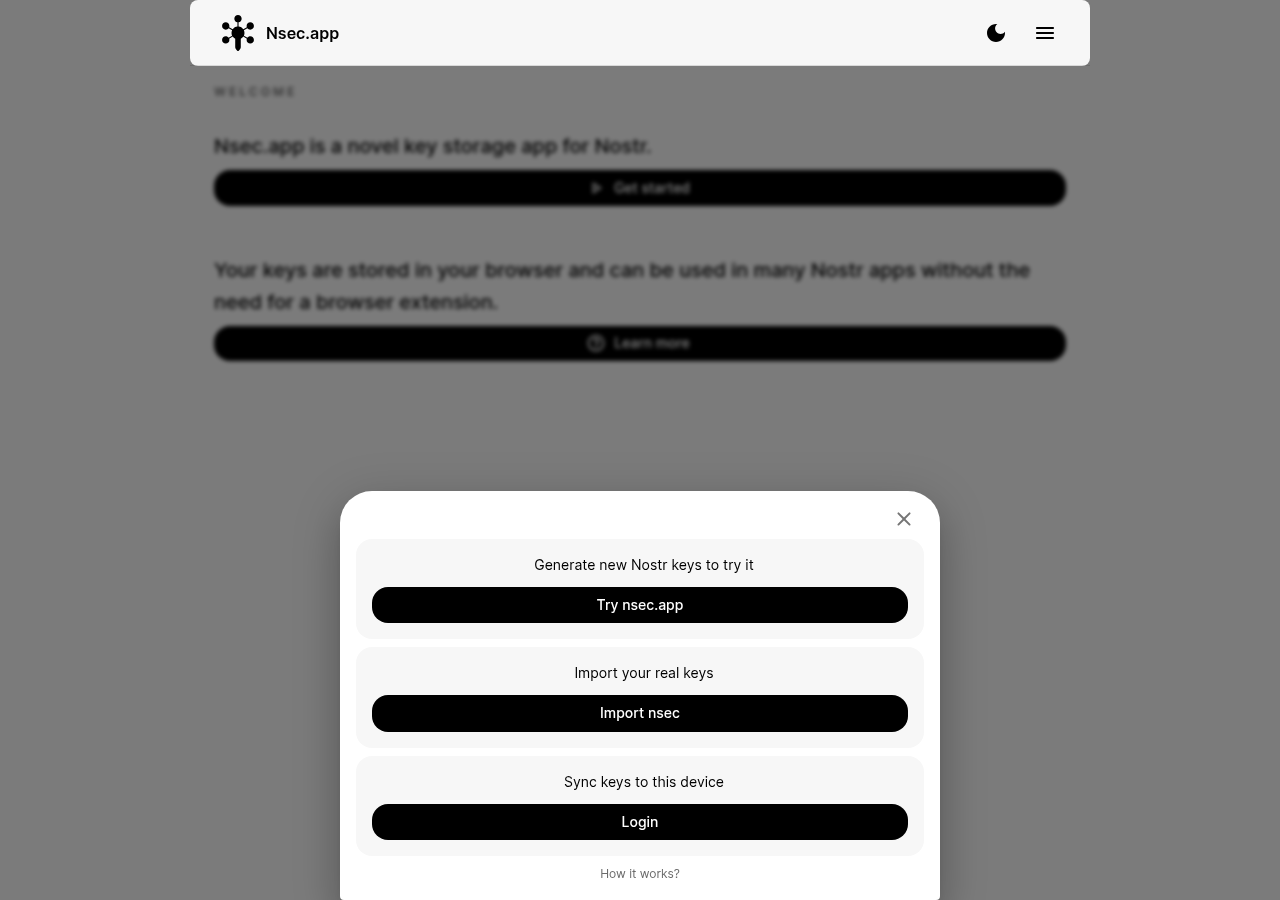
use.nsec.appin your browser. That's the live app; the welcome screen says "Nsec.app is a novel key storage app for Nostr." - Click Get started. A sheet slides up with three options: Try nsec.app (generate new Nostr keys to try it), Import nsec (import your real keys), or Login (sync keys to this device from one you already set up).
- nsec.app stores your key in your browser, password-encrypted, with optional end-to-end-encrypted cloud sync so you can log in from other devices. It acts as a NIP-46 remote signer: PowForge pages talk to it over a relay, and you approve each sign request.
- When a PowForge page asks you to sign, nsec.app pops up (or pings a relay) asking for your approval. Approve, signature's back, you're done.
Now head back and try it
You have a signer. Here's where it's useful across PowForge:
- /whitepaper — deep-dive on PoW pricing and the DoI oracle architecture
- /explorer — type your npub or paste it in to see your Depth-of-Identity score
- /depth — the SDK that computes it client-side
- /captcha — try the PoW + Lightning skip tier
Common questions
Is my key leaving my machine?
With Alby, no — the key lives in your extension's local storage, encrypted at rest. With nsec.app, the key lives in your browser's local storage by default, and if you enable cloud sync it gets pushed to their relay end-to-end encrypted under your password. They shouldn't be able to read it, but you're trusting their encryption and infrastructure. If that trust model bothers you, pick Path 1.
What does "signing" actually do?
Cryptographic signing proves a message came from a specific key. PowForge uses this for depth-scoring (proving your key has history) and for L402 paid flows. It's not a password; it's a short signature generated on demand.
Can I use this without owning any Bitcoin?
Yes. You don't need to hold sats to sign events — signing is free. You only need sats if you want to pay for an L402-gated service like the Oracle or the CAPTCHA skip. Lightning wallets are cheap to fund (a dollar gets you started). Alby can double as a Lightning wallet if you go that route.
What if I lose the backup phrase?
You lose the key, which means you lose the identity. No recovery path. Write it down, put it somewhere you won't lose, don't take a picture of it on your phone. Alby uses a standard seed-phrase backup; nsec.app lets you log in from another device if you set up cloud sync with your password, but if you forget the password and haven't exported the nsec, it's gone the same way.
Can you sign on my behalf?
No — and this is intentional. Depth-of-Identity measures the work accumulated under your key. A signature under someone else's key doesn't contribute to your score; it contributes to theirs. The two minutes of setup above is the actual cost of the primitive.